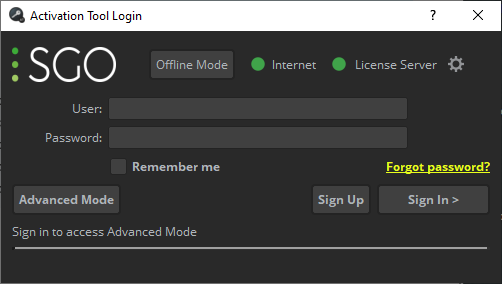
Activation codes and license management are processed either by means of the SGO License Activation Tool or directly in your SGO web account (SGO My account). We recommend you use the SGO License Activation Tool, as this installs your licenses automatically, and also provides more information if problems arise. Your activation codes can also be managed through your SGO web account, if, for example, you need to manage theses codes for other users within your company and do not have the SGO License Activation Tool in your device.
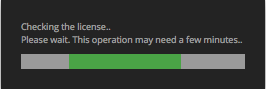
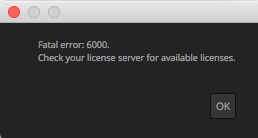
Once installed, open Mistika Workflows. If the license is not yet installed you will see the following messages:
The SGO License Activation Tool will then open, where you need to input your Activation Code. You can find your Activations Code in the Shop Order sent to the email address provided at the time of purchase; you can also find it in your SGO Account (SGO Activation Codes).
By default, the single mode License Activation window will open: