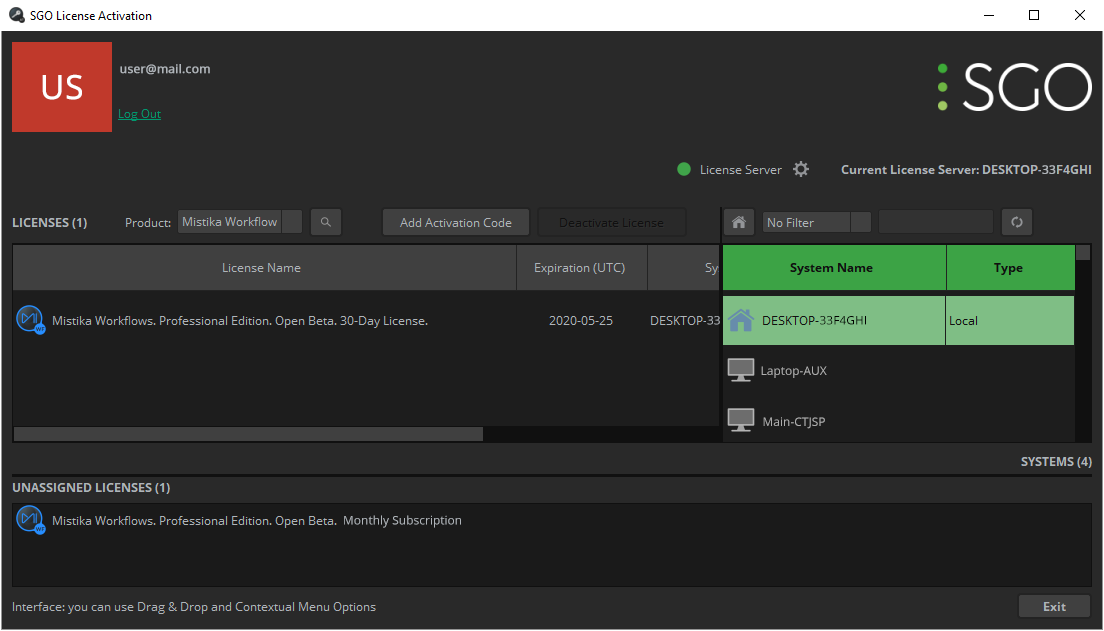
All active licenses linked to your account can be found in the Advanced mode of the SGO License Activation Tool. This allows the activation and deactivation of licenses and also the license reallocations by simply drag & drop licenses between computers.
Please note that deactivating a license key will not cancel your subscription. All subscriptions must be managed through SGO Subscriptions.