On the first launch of Mistika Workflows, an SGO Software License Agreement prompt will appear. To read the whole license agreement, use the scroll-bar to the right. To access Mistika Workflows, you must Accept the Software License Agreement. If you don’t want to see this prompt again, click Don’t ask me again at the top of the window. Once the License Agreement is accepted, Mistika Workflows will launch.
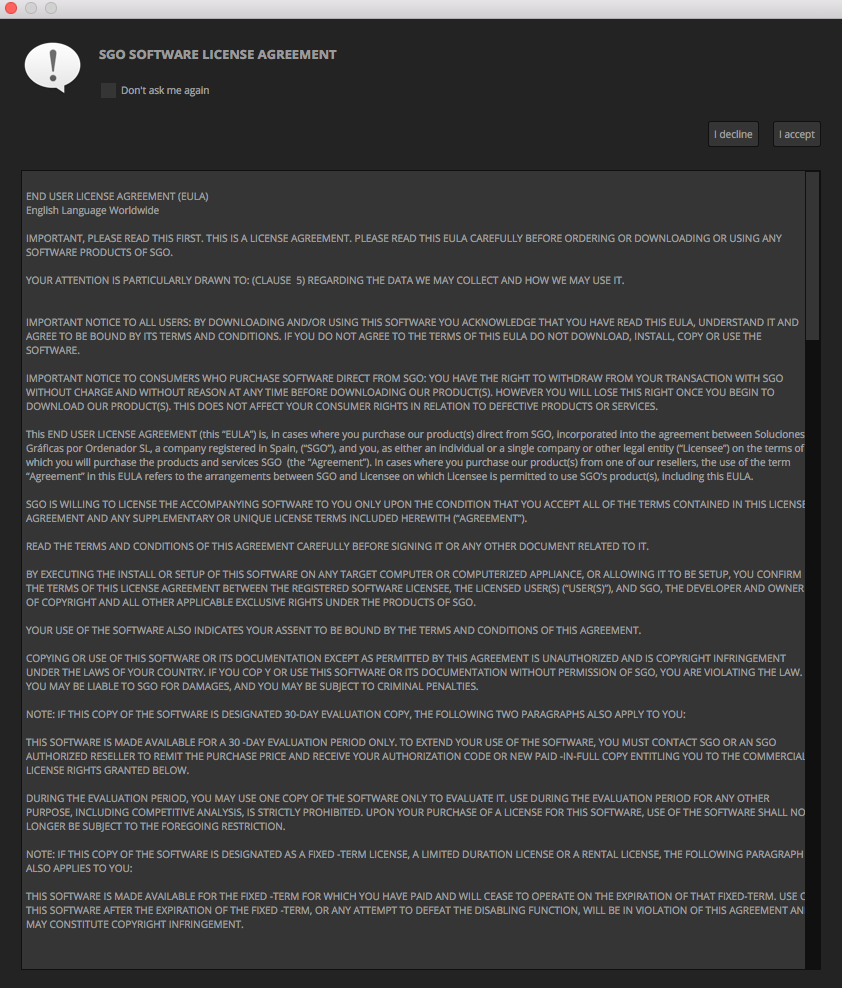
On its first launch, Mistika Workflows will load the factory default window layout.
If you have already accepted the License Agreement of one of SGO's software applications, there you will not need to accept it again.